
Client portal
Shortcode, layouts, sign-in methods, one-time codes and client team access.
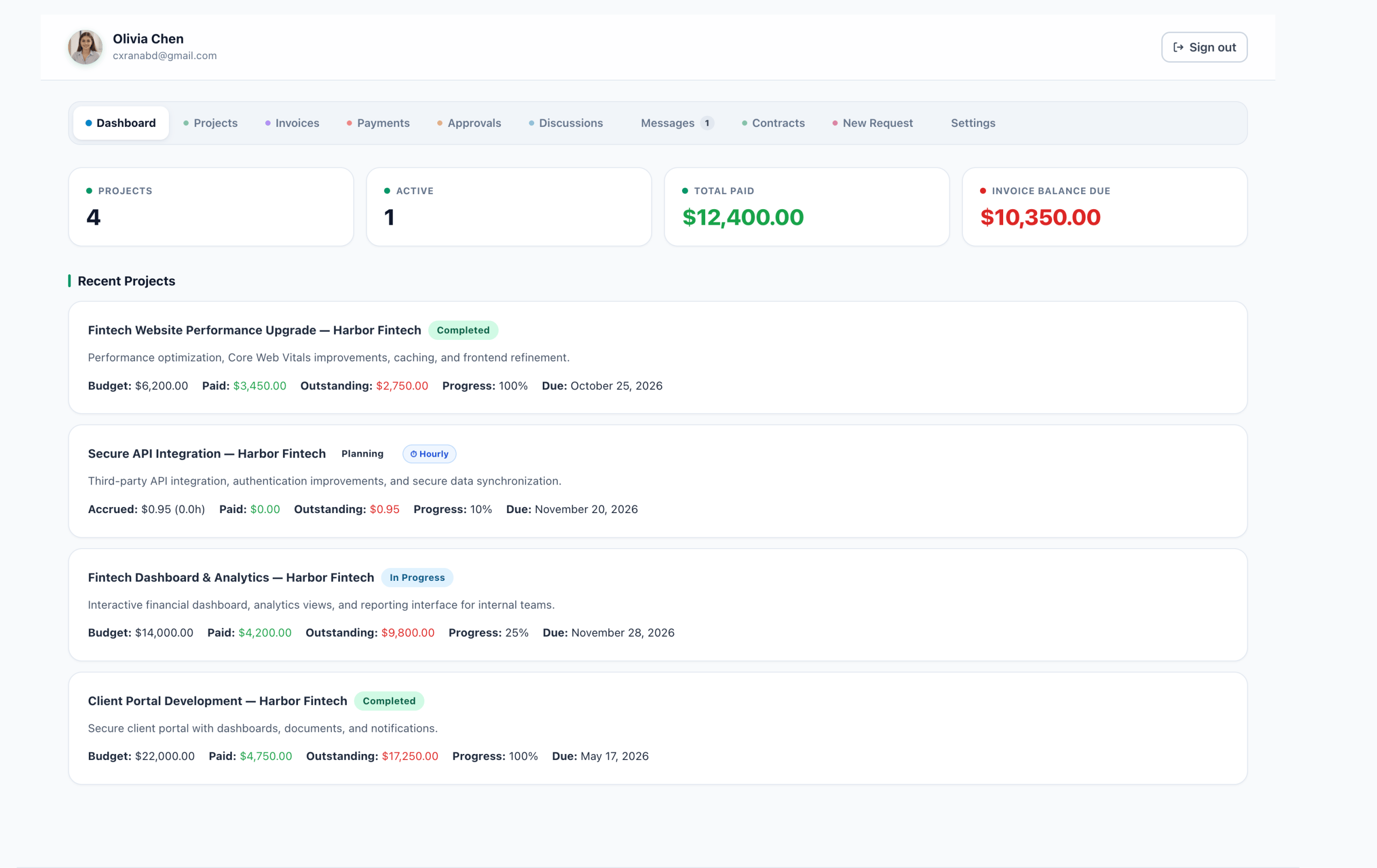
The client portal is a white-label area on your own domain where clients see their projects, invoices, payments, approvals, contracts and messages. Clients never get a WordPress account, and you decide how it looks with your theme.
The portal page and shortcode
AgenciesWP creates a Client Portal page when you activate it. To put the portal on a different page, add this shortcode to that page:
[agencieswp_client_portal]Pages that only mention the shortcode in their text, such as a features page, are left alone.
Standalone or embedded layout
Choose the layout in Settings → Invoice & Billing → Client Portal:
- Standalone (recommended): the portal takes the full page, shows your site logo and menu in its top bar, and looks the same with any theme because it does not inherit theme fonts or colours.
- Embedded: the portal sits inside your theme page, with your normal header and footer.
How clients sign in
- Email and Client ID: every client has a unique ID such as
CL393866. - Magic link: send a one-click sign-in link with Send Login Email, or copy it with Copy Magic Link on the client page.
- One-time email code (optional): tick Require an emailed code on a client to add a six-digit code to every sign-in. A code is valid for 10 minutes and allows five attempts.
Sessions use httponly cookies that page scripts cannot read, and signing out ends the session on the server.
What clients see
| Section | What it shows |
|---|---|
| Dashboard | Projects, active work, total paid and balance due |
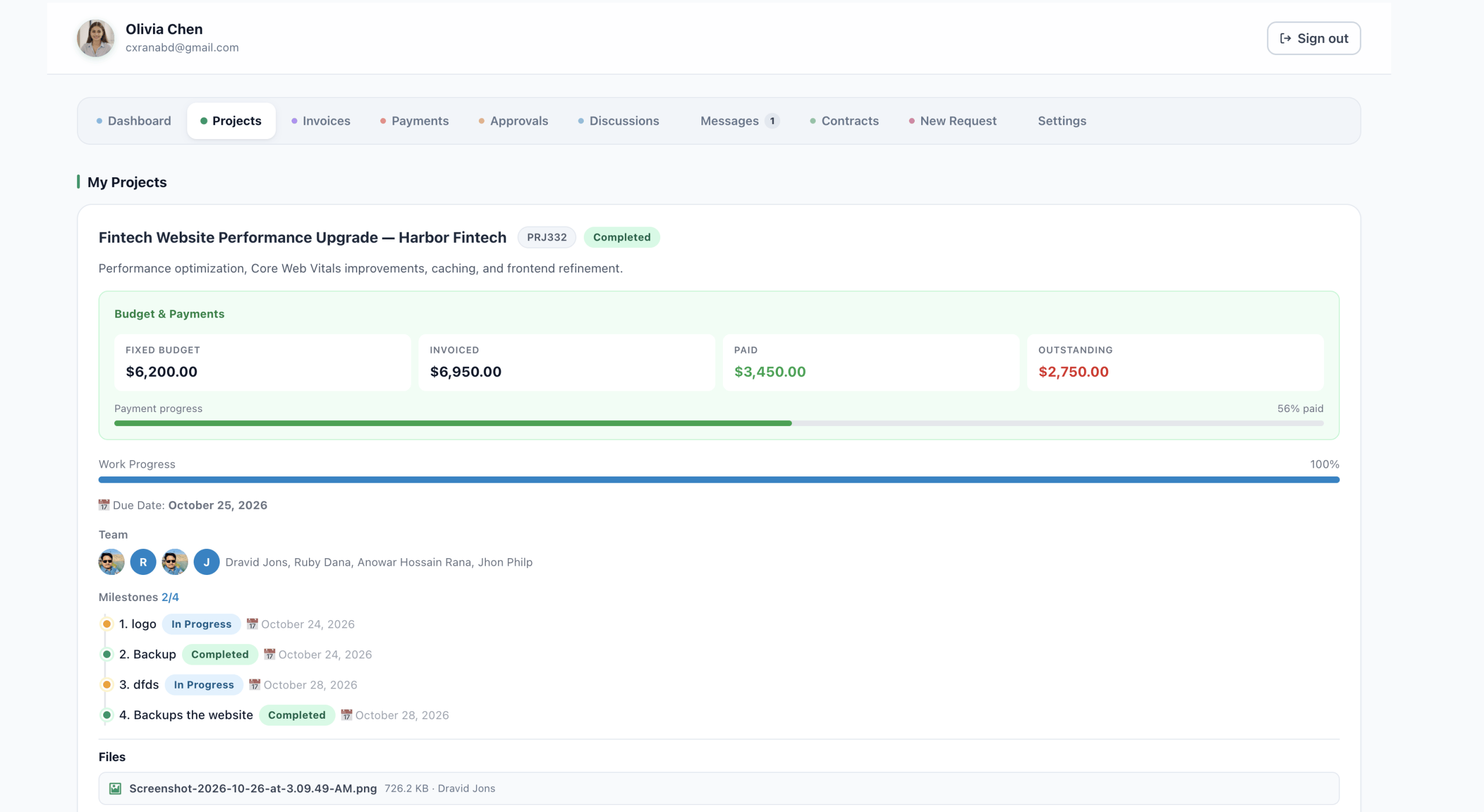
| Projects | Status, budget, progress, milestone timeline, team and files |
| Invoices | Every invoice, with Print / Save as PDF and Save as Image |
| Payments | Open payment requests, payable by Stripe or PayPal |
| Approvals | Work waiting for their approval or feedback |
| Discussions | Threads on feature and change requests |
| Contracts | Contracts to sign and accepted proposals |
| Messages | Conversations with your team, with attachments |
| New Request | Forms for feature, change and new project requests |
| Settings | Account details, profile photo and their team |
Client team access
A client can invite their own people from the portal’s Settings page and choose what each person can see:
- Administrator: full access, and can manage the team.
- Billing: invoices and payments only, with no project detail.
- Collaborator: everything except invoices and payments.
- Viewer: can follow project progress, nothing else.
- Custom: pick each area by hand.
Invited people sign in with their own email and the shared Client ID, and their invite email lists what they can access.

Frequently asked questions
Do clients need a WordPress account?
No. They sign in with their email and Client ID, a magic link, or with an optional one-time email code.
Will the portal match my theme?
In Standalone layout the portal looks the same on any theme and shows your site logo and menu. In Embedded layout it sits inside your theme page.
Can a client give their accountant access to invoices only?
Yes. Invite them with the Billing role, which shows invoices and payments only.
Related guides