
Team roles & permissions
Admin, Manager, Accountant and Developer roles plus per-project roles.
Add as many team members as you need at no extra cost. Each person gets a plugin-wide role that controls what they can see and do, plus a role on each project they work on.
Plugin-wide roles
| Role | Can see and do |
|---|---|
| Admin | Everything, including settings, backups and the activity log. |
| Manager | Projects, clients, team, contracts, proposals and approvals, plus invoices and reports. Cannot change settings, backups or the activity log. |
| Accountant | Invoices, recurring billing, expenses, payment requests and reports. |
| Developer | Only the projects they are assigned to, with milestones, time logs and files. Never sees costs, margins or budgets, and cannot message clients. |
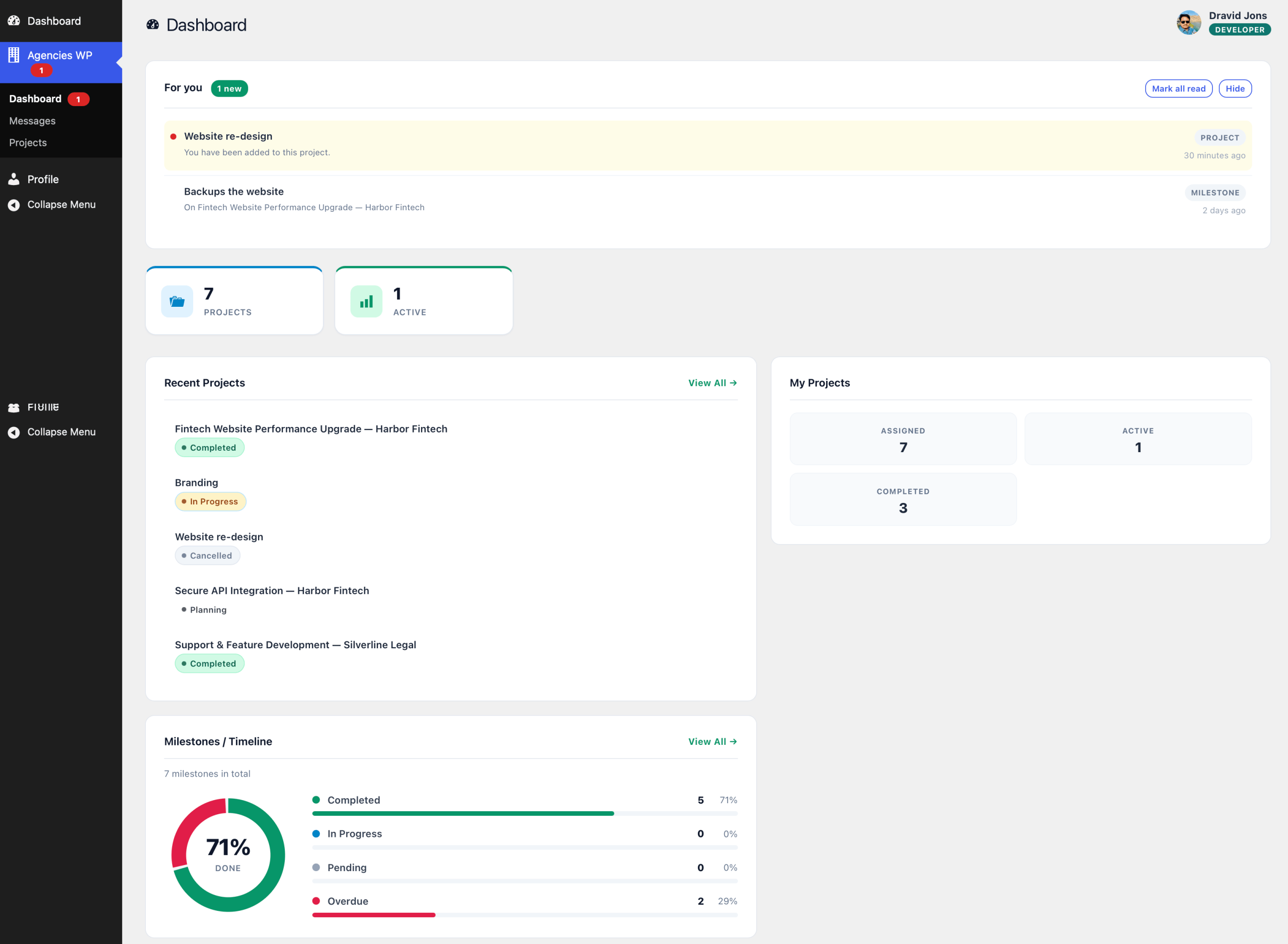
Add a team member
- Add the person as a WordPress user under Users → Add New.
- Give them one of the AgenciesWP roles: Admin, Manager, Accountant or Developer.
- Add them to the projects they work on.
Per-project roles
On each project, team members are added as:
- Lead: the person who owns the project, shown first to the client.
- Member: a regular contributor who logs time and updates milestones.
- Reviewer: someone who reviews the work, such as a senior designer or QA.
To add someone, open the project, go to the Team tab, choose the person and their role, and click Add to Team. You can also tick team members when creating the project.
Team workload
The dashboard’s Team Workload card shows who is on which project and how far along their tasks are. Milestones can be assigned to a person, who is notified when one is handed to them.

Frequently asked questions
Is there a limit on team members?
No. Team members are unlimited on every license, with no per-seat fees.
Can a developer see invoices?
No. Developers only see their assigned projects and never see costs, margins or budgets.
Can my accountant work without seeing projects?
Yes. The Accountant role covers invoices, recurring billing, expenses, payment requests and reports.
Related guides